Here’s the journey: Start by selecting a template, add
measurements, include client details, preview the quote as a
PDF, and download it—all in a few simple steps.
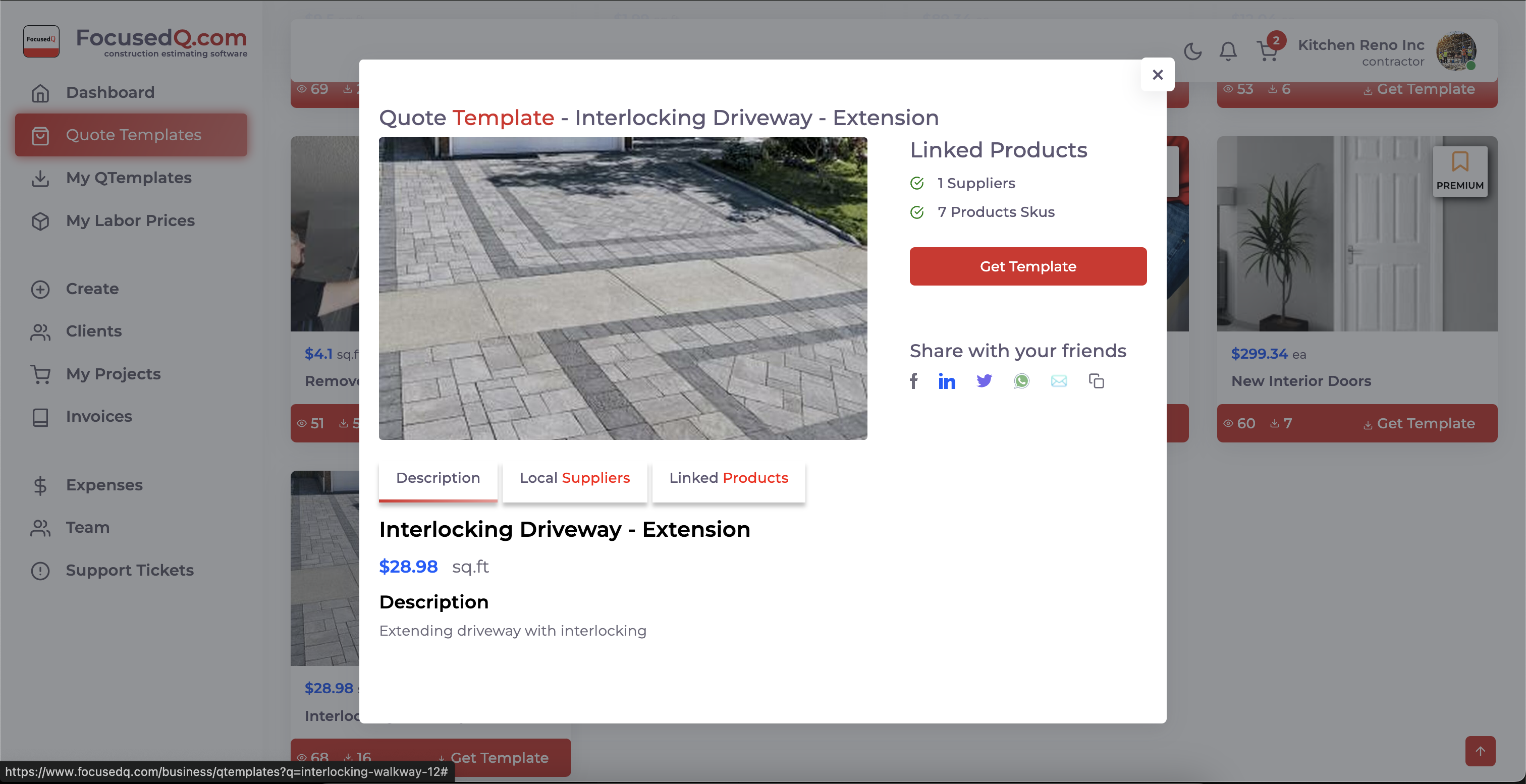
Get Template
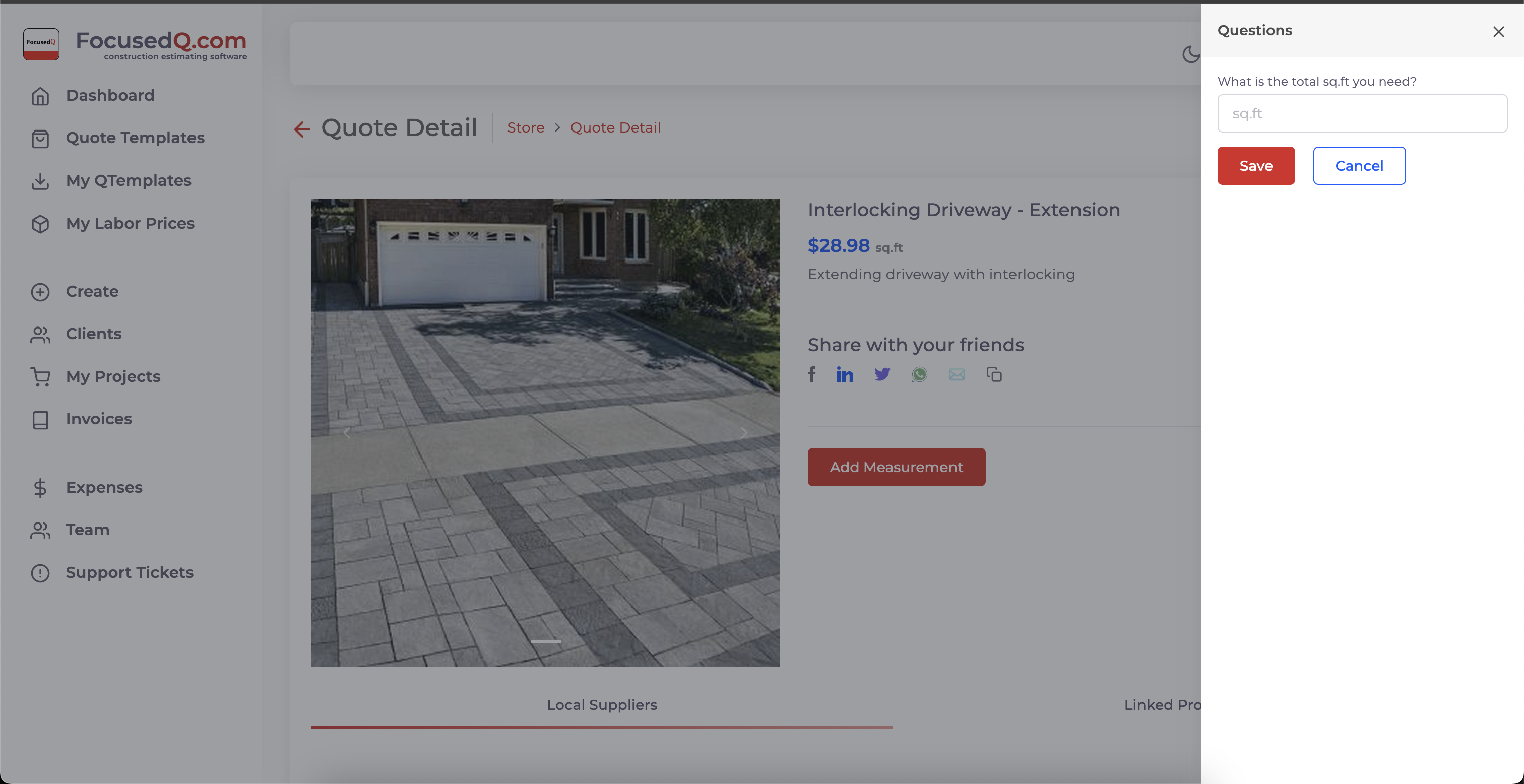
Add Measurement
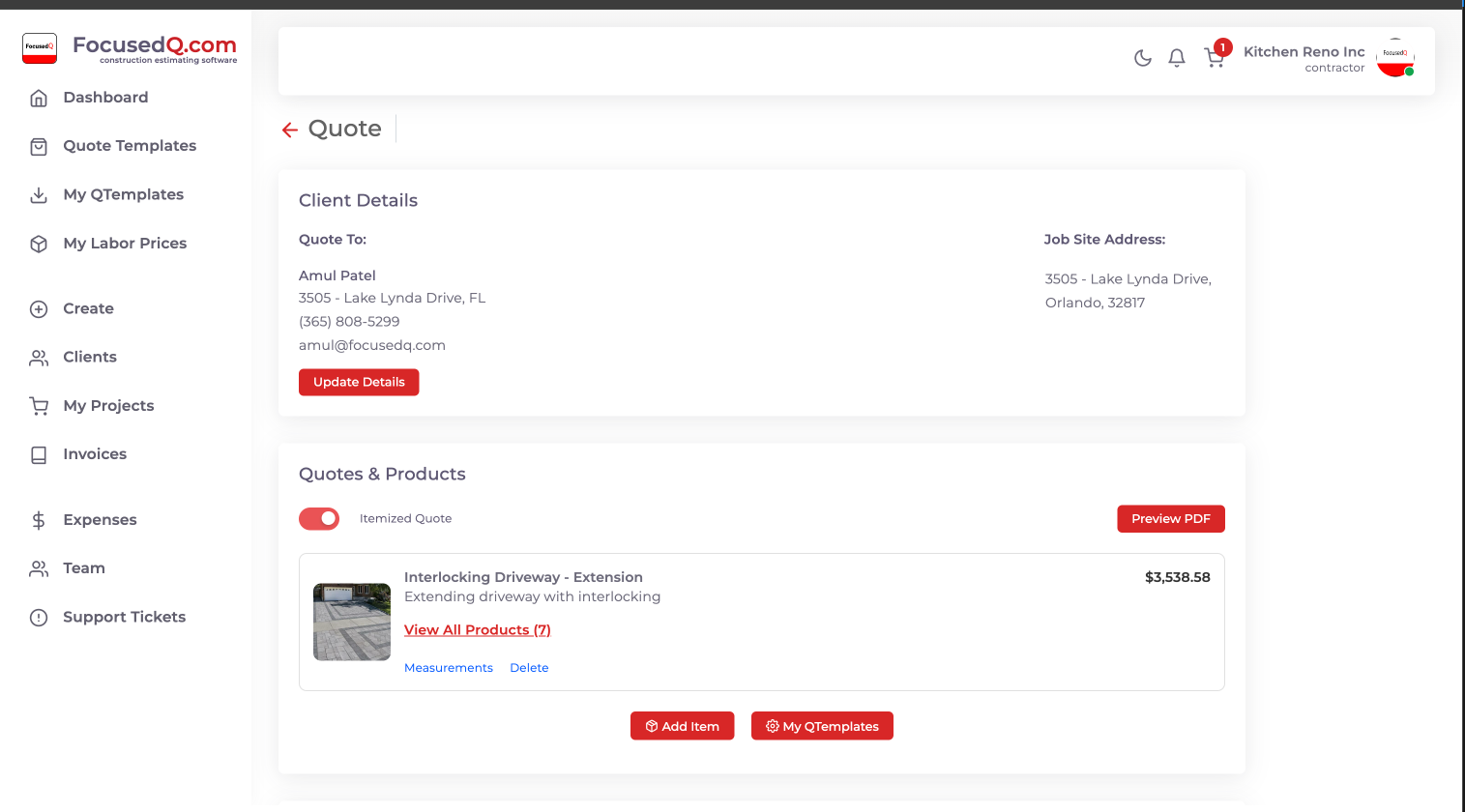
Verify Material & Labour
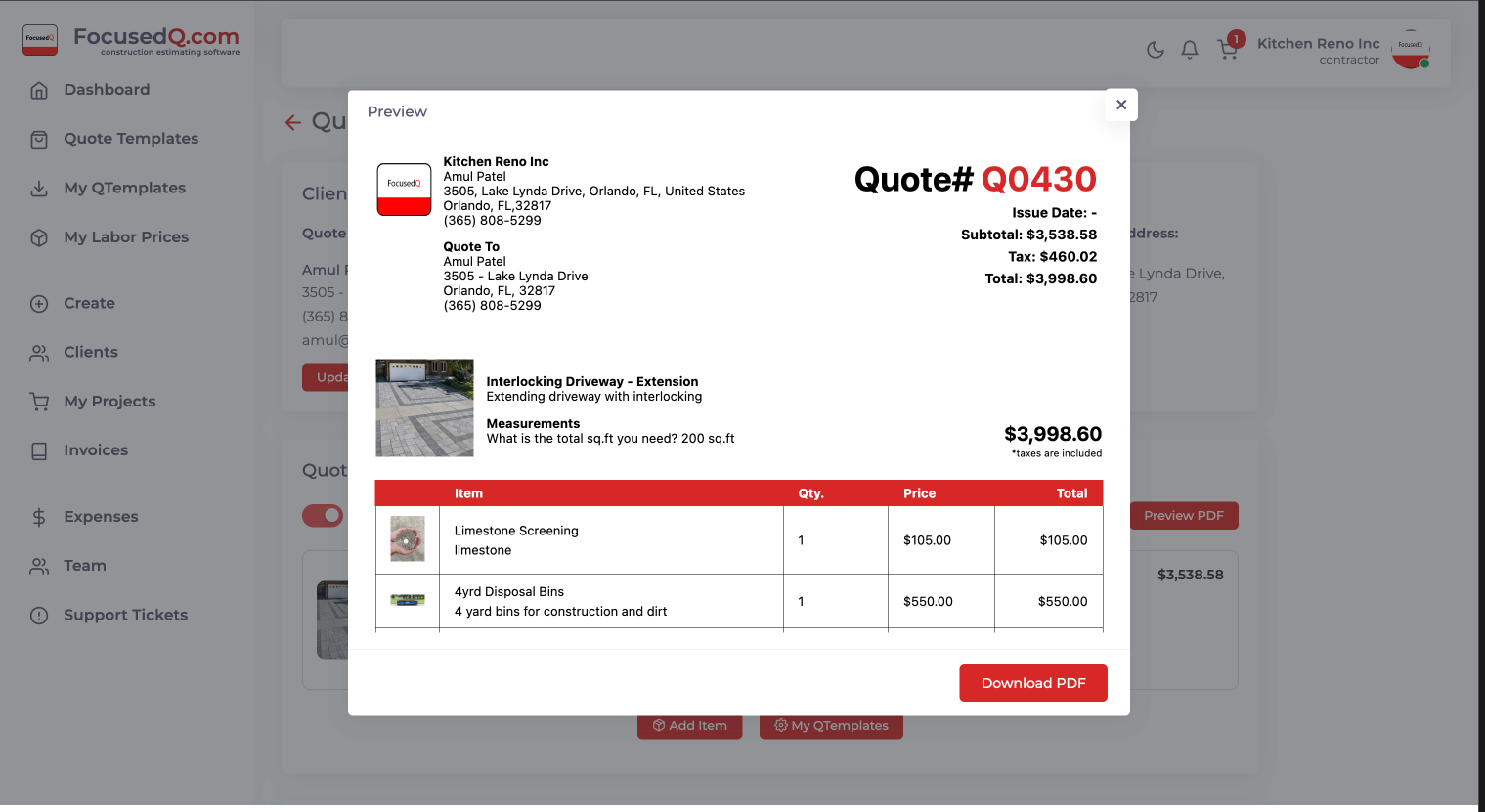
Preview Quote
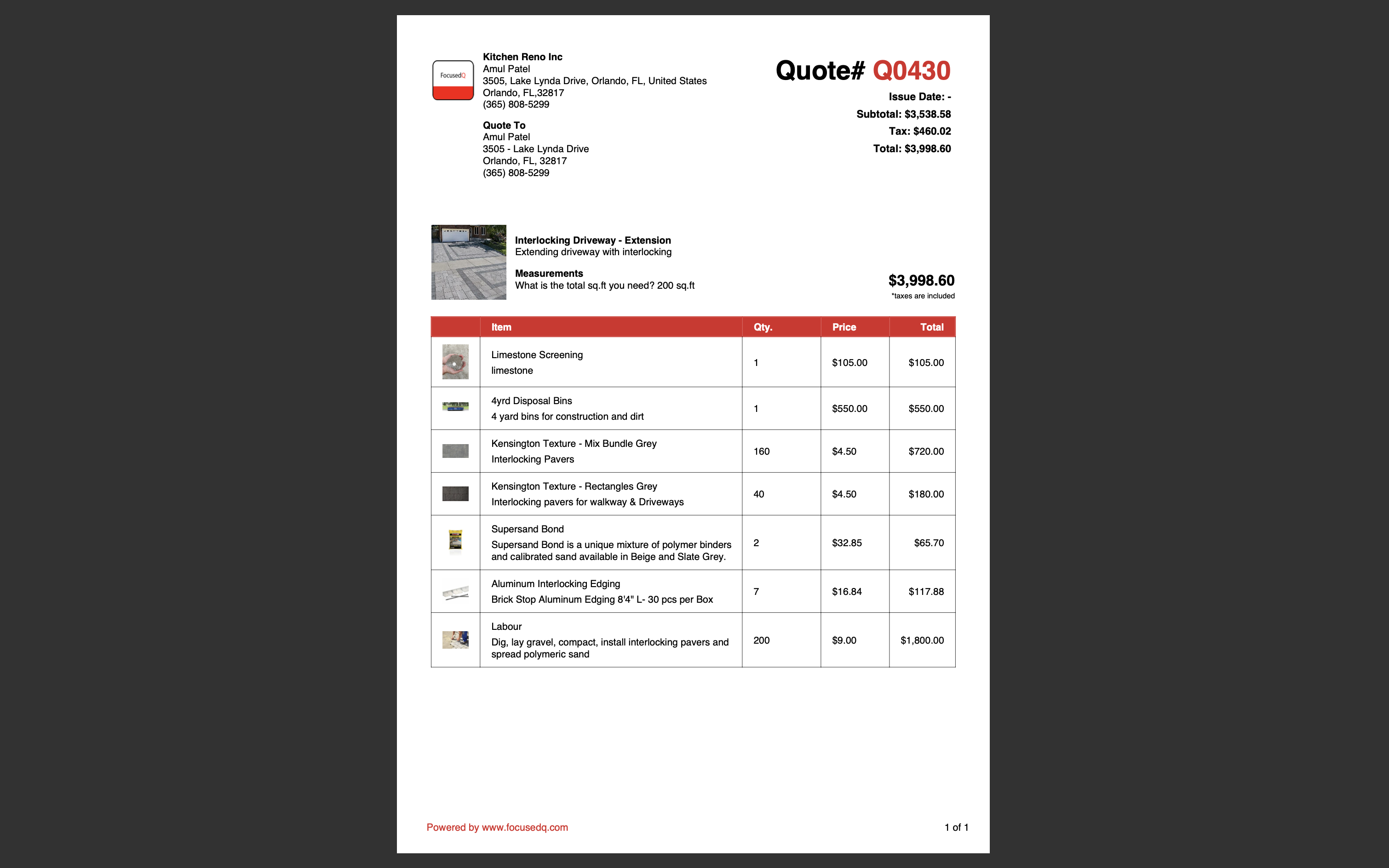
PDF Version
Similar Templates
Frequently Asked Questions
How Do I Write an Estimate for the Standing Seam Metal Roof?
To write an estimate for a Standing Seam Metal Roof, use our pre-built Standing Seam Metal Roof Quote Template. You can customize it by adjusting line items for materials, labor, and any additional items. Simply enter the measurements and quantities, and the template will calculate costs based on your inputs.
How Do I Use This Standing Seam Metal Roof Quote Template?
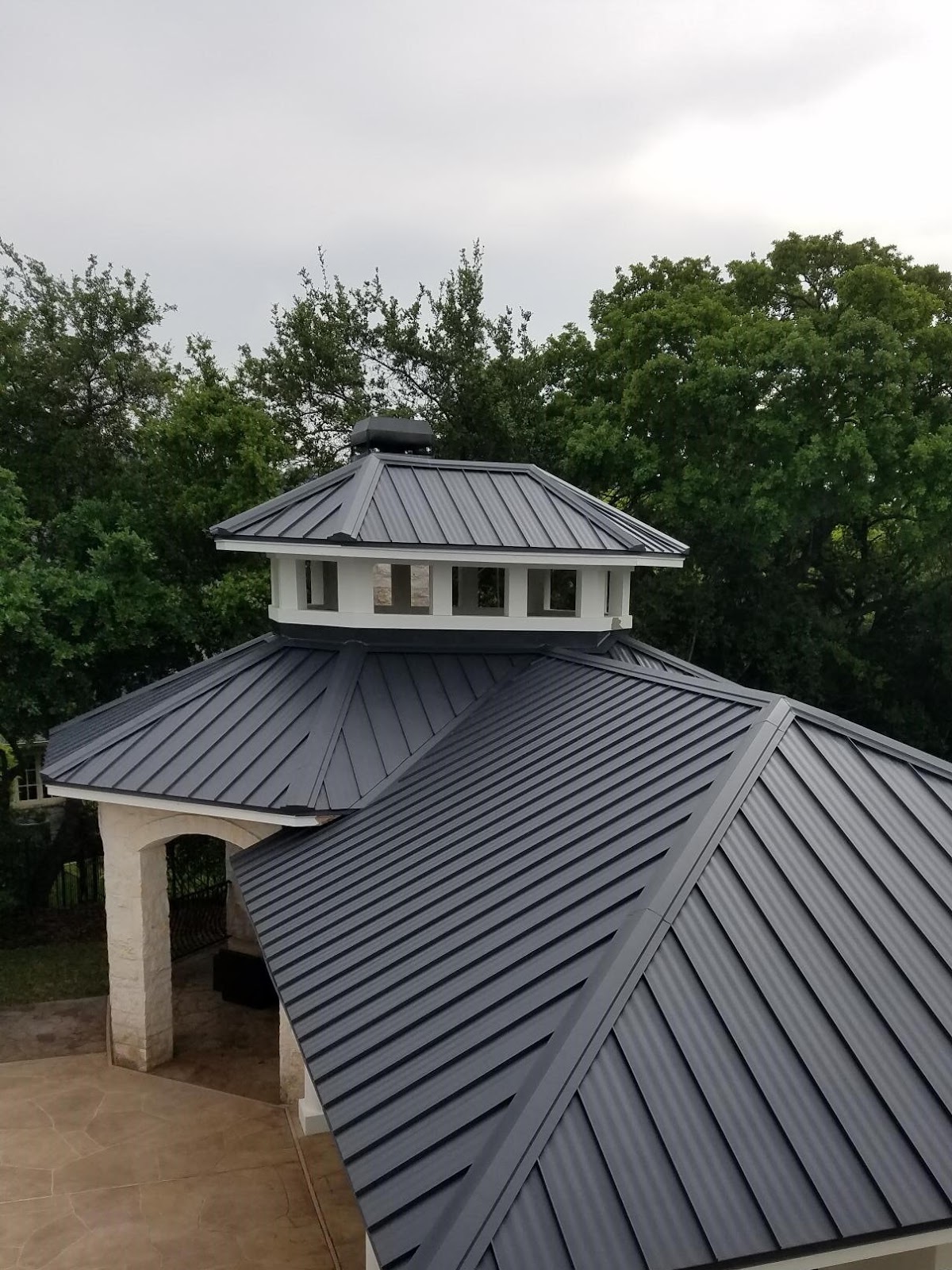
You can use the Standing Seam Metal Roof quote template as is or you can change the picture to better show off your completed projects. It's very easy to add multiple pictures from My QTemplates.
Is It Customizable?
Yes, the template is fully customizable to meet your specific needs. Just adjust the details based on your project requirements.
How Do You Calculate Standing Seam Metal Roof Cost?
We've set up a predefined formula that calculates costs line by line based on your input. Simply provide the necessary measurements—such as the room's square footage and required quantity for materials. For example, in the Standing Seam Metal Roof template, you enter undefined, and the template calculates the estimated cost. You can also adjust the formula to fit your specific project needs.
Do You Have Roof Remodeling Quote Templates?
Yes, we offer over 100 quote templates for various remodeling categories. You can view our full range of quote templates. If you're specifically looking for a Roof remodeling quote template, access it here.
If you don’t find the template you need, just let us know! Our professional estimating team can create a custom template based on your requirements—simply submit a request with the details.
Need a Custom Quote Template?
We’ll create a template that fits your needs, including converting your Excel sheets and integrating with your takeoff software.